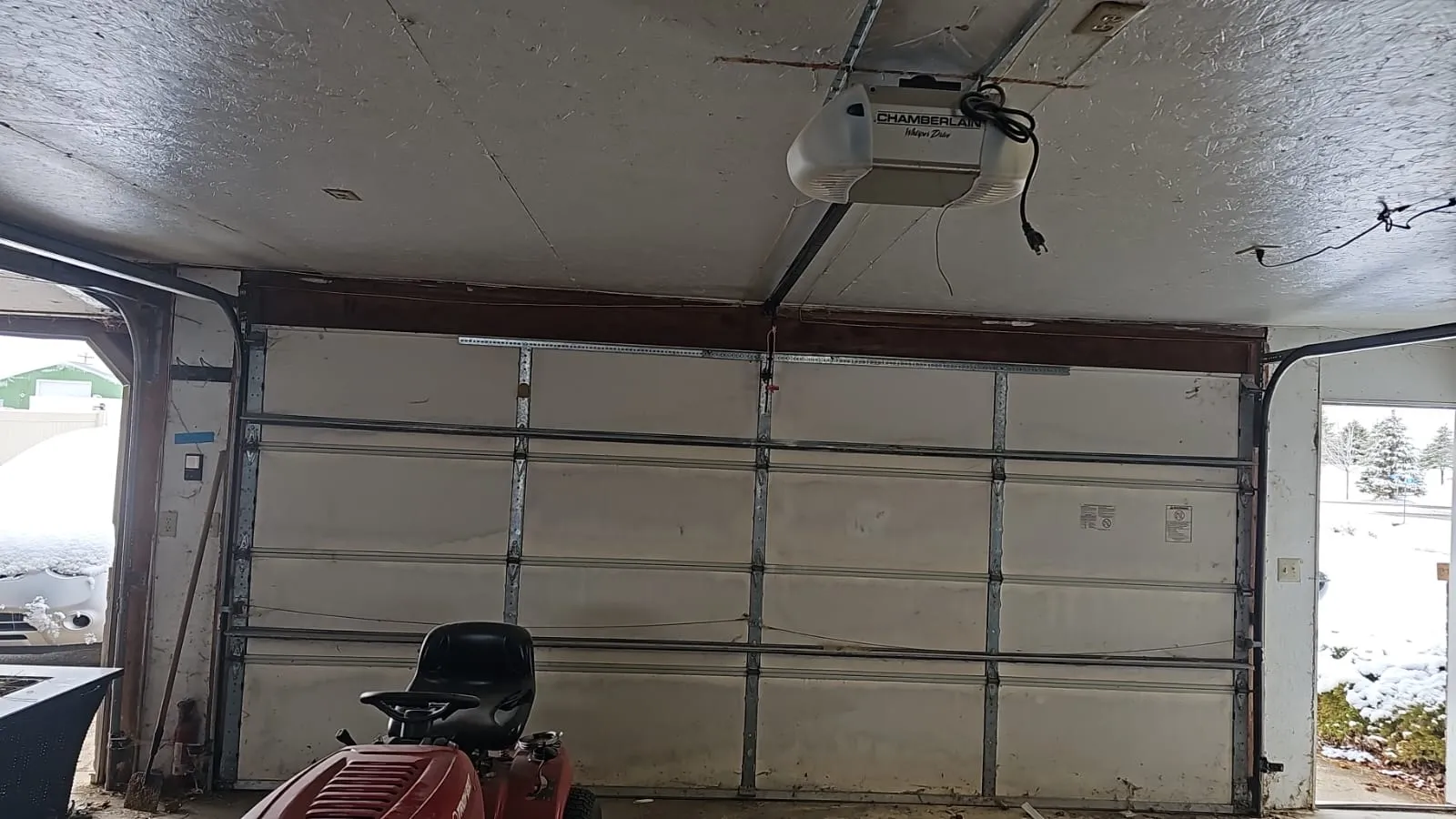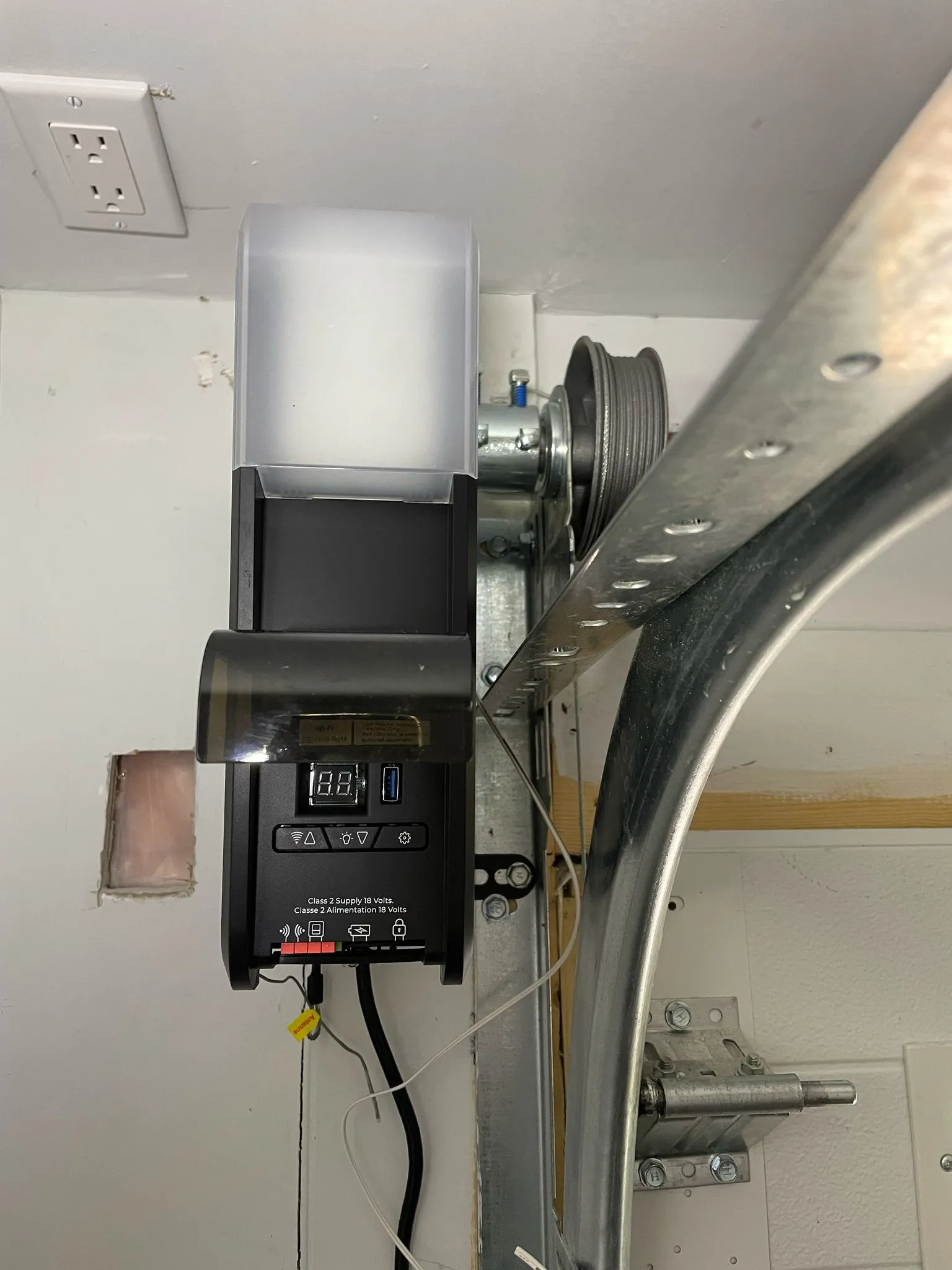
There is nothing quite like the convenience of a smart garage door opener. You’re pulling into your driveway in San Marco or Riverside after a long day, and with a simple tap on your smartphone: or even a voice command: the door glides open. It feels like living in the future, right?
But technology, as wonderful as it is, has a habit of throwing a wrench in the works at the worst pos- sible moment. Maybe your app says the door is open when it’s clearly shut, or perhaps the “Open” button on your screen is spinning endlessly while you sit idling in the Florida humidity.
If your smart tech has turned into a “dumb” headache, don’t worry. Most issues are easier to fix than you’d think. At Lavish Garage Door Services, we’ve seen every tech glitch in the book. Here are the 10 most common reasons your smart garage opener isn’t working and exactly how to get it back on- line.
1. The Door Sensor Battery is Dead
Most smart garage systems rely on a small, battery-powered sensor attached to the top panel of your door. This sensor tells the “brain” (the Wi-Fi hub) whether the door is vertical (closed) or horizontal (open).
How to Fix It:
• The Battery: Most sensors use a 3-volt CR2450 Lithium battery. These are cheap and available at any local Jacksonville hardware store.
• The Reset: After swapping the battery, you might need to manually open and close the door us- ing the wall button. This “re-clocks” the sensor so it can communicate its position to the hub again.
2. Poor Wi-Fi Connectivity (The “Garage Dead Zone”)
Your garage is essentially a concrete and steel box. It is arguably the hardest place in your home for a Wi-Fi signal to reach. If your smart garage door opener keeps dropping its connection, your router probably isn’t reaching past those heavy exterior walls.
How to Fix It:
• Check the Signal: Stand next to your opener and check the Wi-Fi bars on your phone. If you only have one bar, your opener will struggle.
• The Solution: Consider installing a Wi-Fi extender in the room closest to the garage. If you’re building a new home and planning a garage door installation, making sure you have a mesh net- work node nearby is a smart move.
3. Outdated Firmware or Software
Just like your smartphone or laptop, your smart garage opener runs on software (firmware). Manufac- turers frequently release updates to patch security holes and fix bugs. If you haven’t updated the app or the device firmware in months, it might simply stop talking to your home network.
How to Fix It:
• Check for Updates: Open your manufacturer’s app (like myQ or Aladdin Connect). Check the set- tings for “Firmware Update.”
• Auto-Update: If the option exists, toggle “Auto-Update” to “On” so you don’t have to worry about this in the future.
4. Bluetooth Connection Failure
Many modern openers use Bluetooth for the initial setup and for proximity features. If your phone can’t “find” the opener, it’s often a simple handshake issue between the two devices.
How to Fix It:
• Refresh the Connection: Go into your phone’s Bluetooth settings and “Forget” the device.
• The Re-Pair: Turn your Bluetooth off and back on again, then attempt the pairing process from scratch within the app. Sometimes a “clean slate” is all the tech needs.
5. The Sensor Isn’t Programmed to the Hub
If you recently had a power outage or a surge (pretty common during our Jacksonville summer storms!), your hub might have “forgotten” the door sensor.
How to Fix It:
• The Test Button: Press the “Test” button on the door sensor. You should see a yellow LED blink.
• The Hub Reset: If it blinks but doesn’t trigger the app, you may need to clear the hub’s memory. Press and hold the main button on the hub until the light goes out, then re-pair the sensor follow- ing the app’s instructions.
6. Power Supply Issues
It sounds obvious, but you’d be surprised how often a smart opener “fails” because it simply isn’t get- ting juice.
How to Fix It:
• Check the Plug: Ensure the unit is securely plugged into the ceiling outlet.
• The GFCI Outlet: Many garage outlets are connected to a GFCI (Ground Fault Circuit Interrupter). If that outlet trips, the opener dies. Look for a “Reset” button on the outlet itself.
• The Breaker: Check your main electrical panel for any tripped breakers. If you keep tripping breakers, it’s time to call us for a professional garage door repair assessment to ensure there isn’t an electrical short in the motor.
7. False Positives During Enrollment
When you first set up your smart garage door opener, the app usually asks you to cycle the door. If you manually move the door or try to “help” it during this phase, the calibration gets thrown off.
How to Fix It:
• Start Over: Delete the device from your app entirely.
• Hands Off: Restart the enrollment process and let the motor do all the work. Don’t touch the door until the app tells you the setup is complete.
8. Blocked Safety Eyes (The Invisible Beam)
This isn’t strictly a “smart” problem, but it affects smart openers the most. If your safety sensors (the little laser eyes at the bottom of your tracks) are misaligned or blocked by a stray leaf or a child’s toy, the smart app will prevent the door from closing for safety reasons.
How to Fix It:
• The Lens Clean: Wipe the lenses with a soft cloth.
• Alignment: Ensure the lights on both sensors are solid (usually one green, one amber). If they are blinking, they aren’t “seeing” each other.
• The Track: Check for debris in the garage door track that might be causing a slight vibration, knocking the sensors out of alignment.
9. Hardware Incompatibility
Not every smart hub works with every garage door opener. If you bought a third-party smart con- troller and it’s not working, it might be because your opener uses “Security+ 2.0” (the ones with the yellow learn buttons), which requires a specific adapter.
How to Fix It:
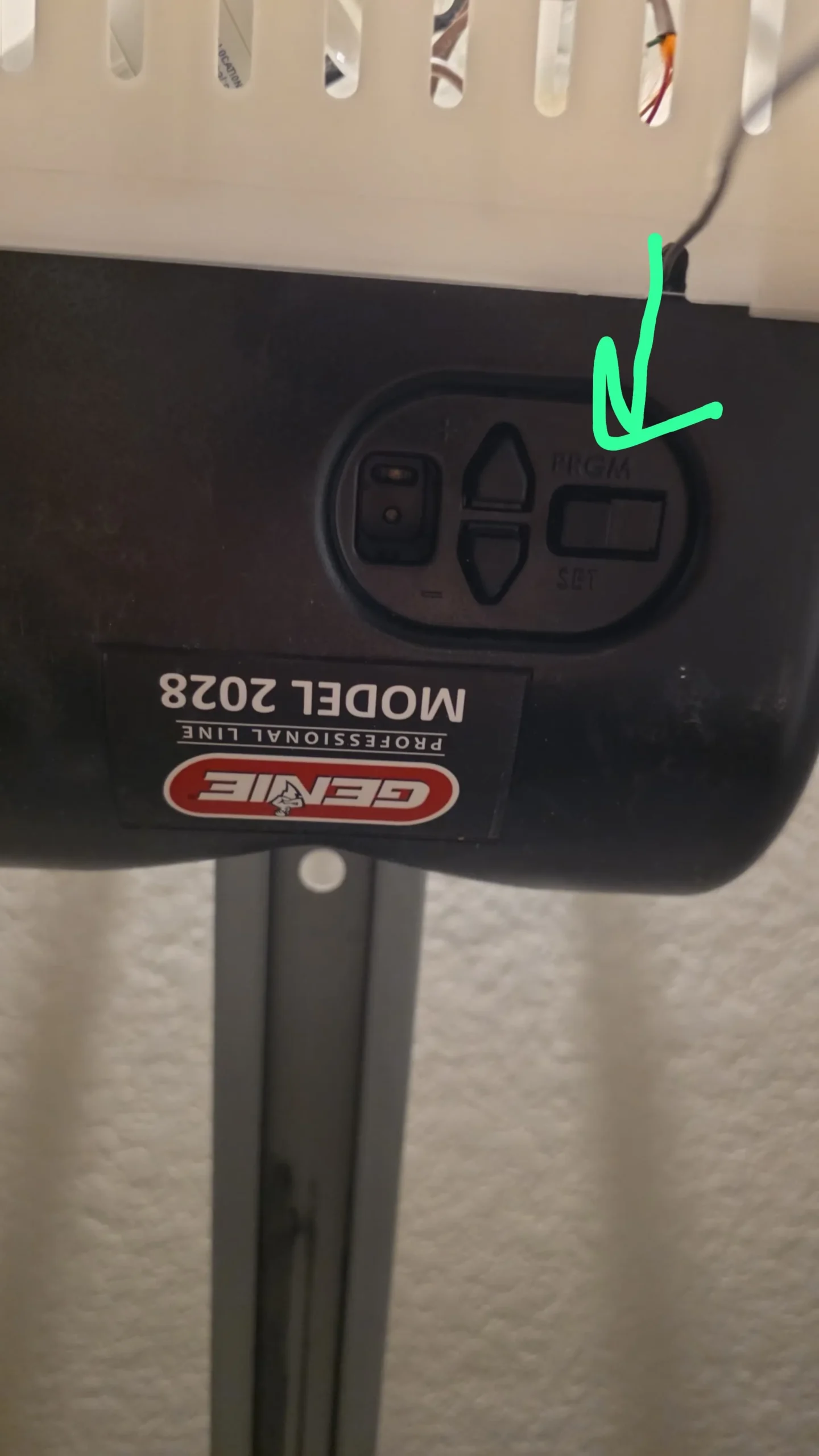
• Check the Button: Look at the “Learn” button on your motor head. If it’s yellow, you likely need a compatibility bridge or a specific smart hub model.
• The “Unknown” Trick: When enrolling in the app, if your specific brand isn’t working, try select- ing “Unknown Manufacturer.” Sometimes the generic signal works where the branded one fails.
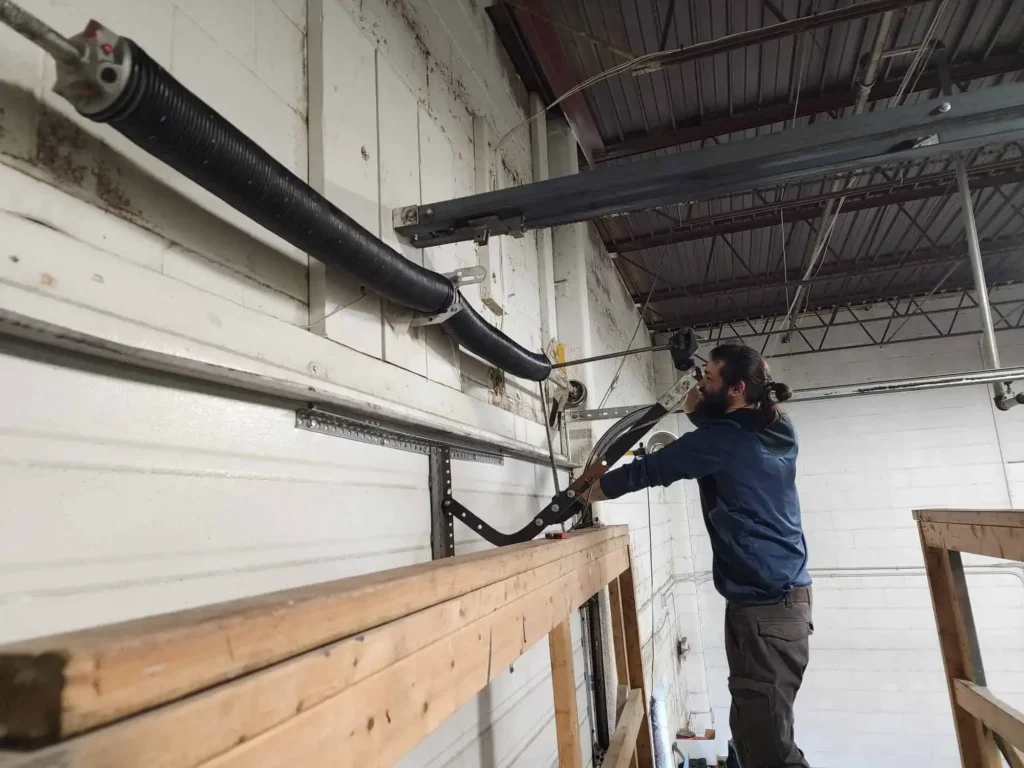
10. Mechanical Failure
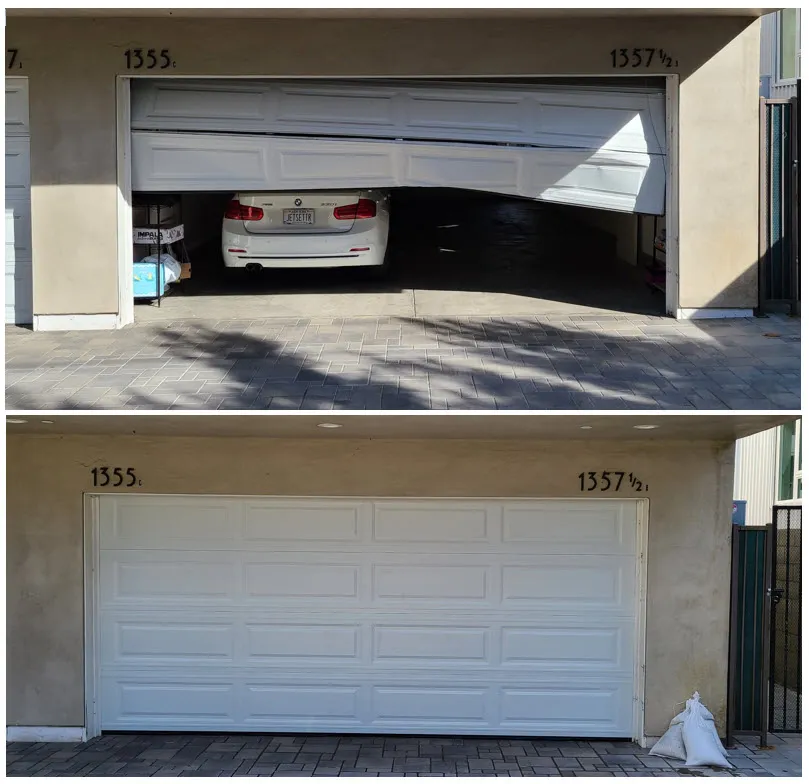
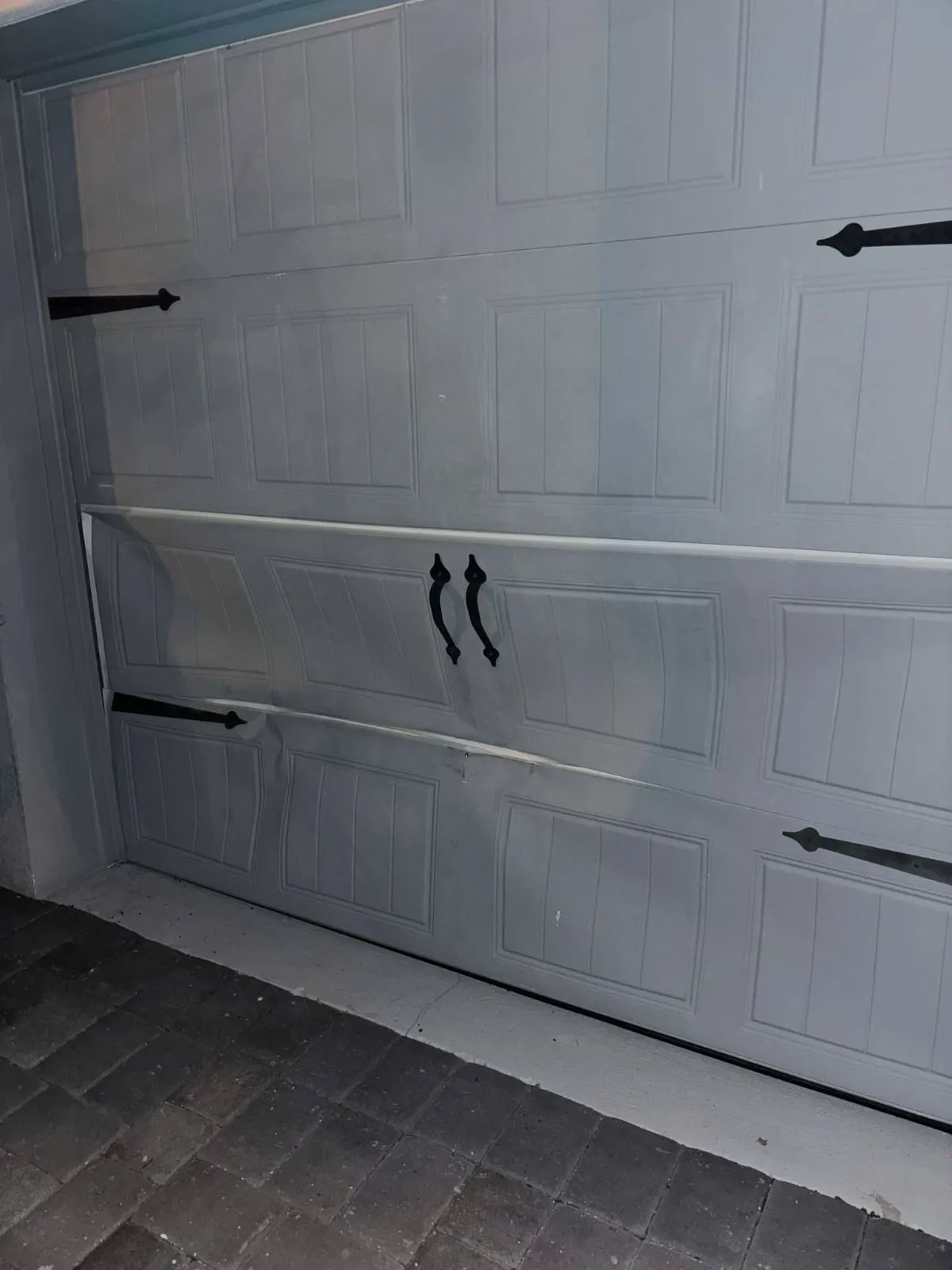
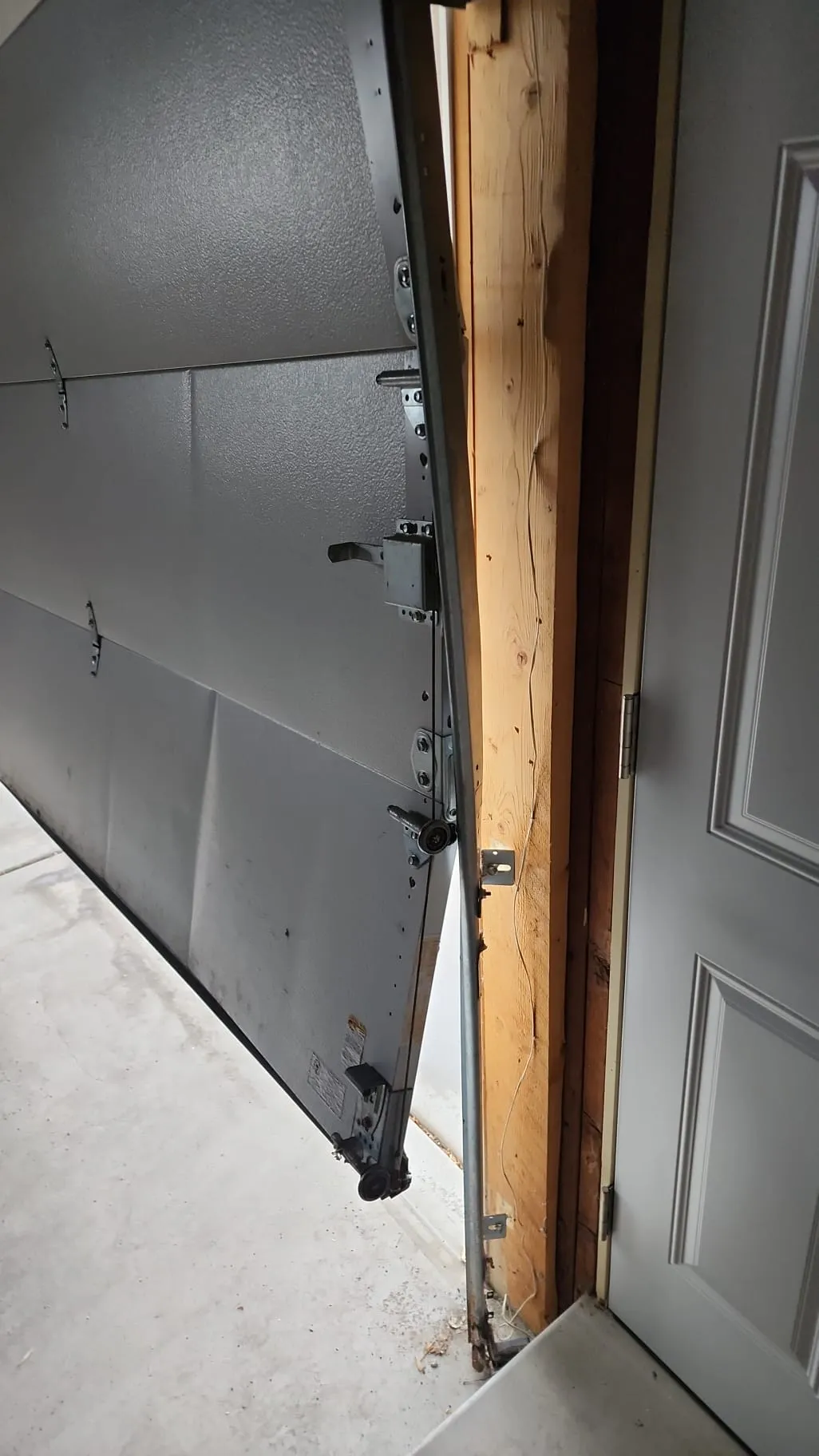
Sometimes, the app is working perfectly, but the door itself is broken. If you hear the motor straining but the door doesn’t move, your smart tech isn’t the problem: your hardware is.
How to Fix It:
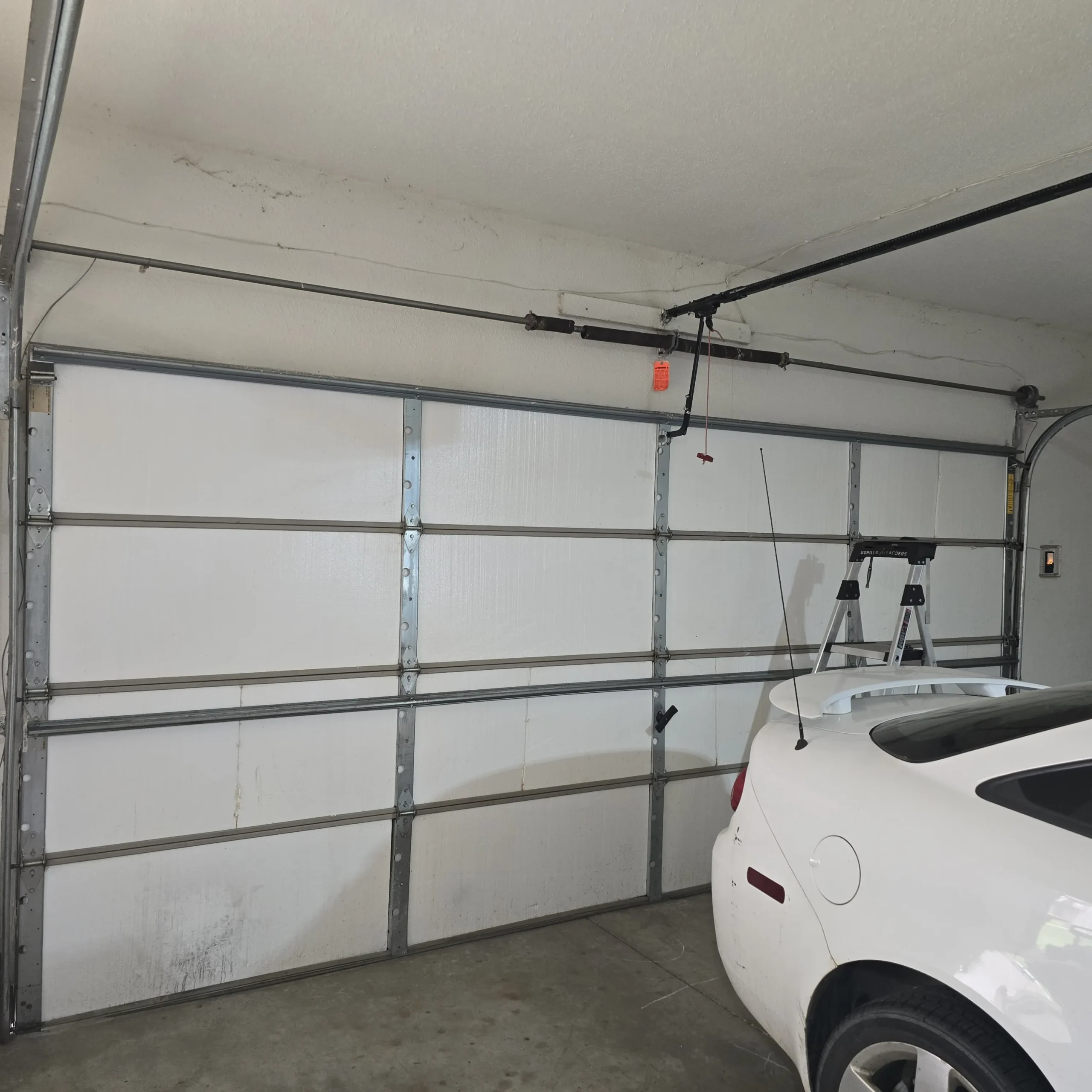
• The Pull Cord: Pull the red emergency release cord and try to lift the door manually. If it’s heavy or won’t move, you likely have a broken spring or a snapped cable.
• Professional Help: DO NOT attempt to fix garage springs yourself. This is where the DIY ends and the pro service begins.
Comparison: DIY Fix vs. Professional Service
The Verdict: Is Smart Tech Worth the Hassle?
Absolutely. While these glitches can be annoying, the security and peace of mind provided by a smart garage door opener are unmatched. No more driving back home because you “think” you left the door open. No more hiding keys under the mat for the dog sitter.
If you’ve tried these steps and your door is still acting like it has a mind of its own, it might be time for a professional tune-up. At Lavish Garage Door Services, we specialize in merging high-tech con- venience with heavy-duty reliability.
Whether you need a brand-new garage door opener installation in Jacksonville, FL, or your cur- rent smart system needs a “reboot” from a pro, we are here for you. We offer 24/7 availability and same-day service across the First Coast because we know a broken garage door doesn’t wait for a convenient time to fail.
Ready to get your garage back in sync? Contact us today and let our friendly experts handle the heavy lifting (and the high-tech syncing) for you!
Stay safe, stay connected, and keep those doors rolling smoothly, Jacksonville!